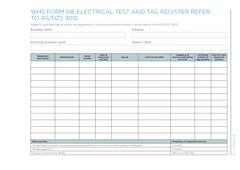
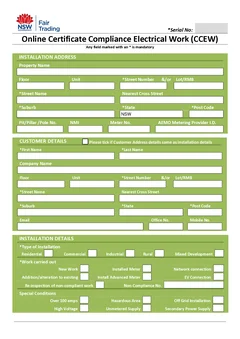
The NSW CCEW moved to eCert
Every Certificate of Compliance for Electrical Work in NSW is now lodged through the Building Commission NSW eCert portal. Handwritten and PDF CCEWs are no longer accepted as the lodgement method.
Tradie Forms does not provide or lodge the current CCEW. This page explains the process and covers the rest of your NSW electrical paperwork.
What changed, and what did not
The work and the testing are unchanged. Only the lodgement path moved.
Do the work and the tests
Nothing changed at the board. Run and record the required tests while the installation is still open and the tester is still connected.
Capture the job details on site
Installation address, circuit labels, test results, licence details, and customer details. This is the information eCert asks for, and it is far easier to collect at the board than to reconstruct that evening.
Lodge through eCert
The person who performed the safety and compliance tests lodges the certificate through the BCNSW eCert portal. A PDF you filled in yourself is not a lodged certificate, and emailing the customer a copy does not lodge it either.
File the confirmation
Keep the eCert confirmation with your test notes, photos, and job record. That confirmation is the evidence the certificate was lodged, so it belongs with the job rather than in an inbox.
Official guidance: BCNSW eCert portal and Service NSW. Tradie Forms is not affiliated with Building Commission NSW.
The NSW electrical paperwork eCert does not cover
Test records, condition reports, defect notices, and site safety forms still sit with you. Fill them on your phone at the board and download the PDF before you drive away.
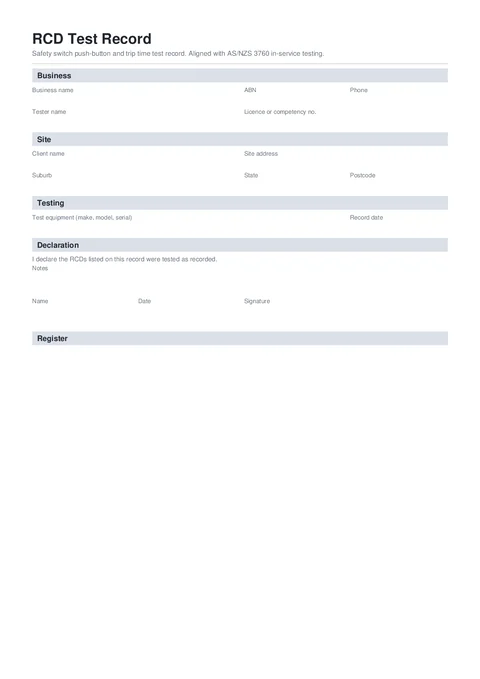
Record safety switch push-button and trip time tests on site. Capture each RCD, result, and failed-item action, then download a signed PDF aligned with AS/NZS 3760.
National · Electrical · Tradie Forms
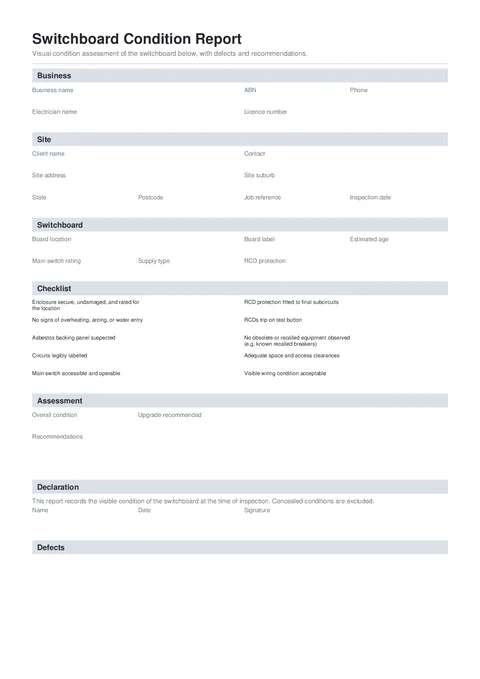
Record a switchboard visual assessment, attach photos to defects, and give the client clear upgrade recommendations in a signed PDF.
National · Electrical · Tradie Forms
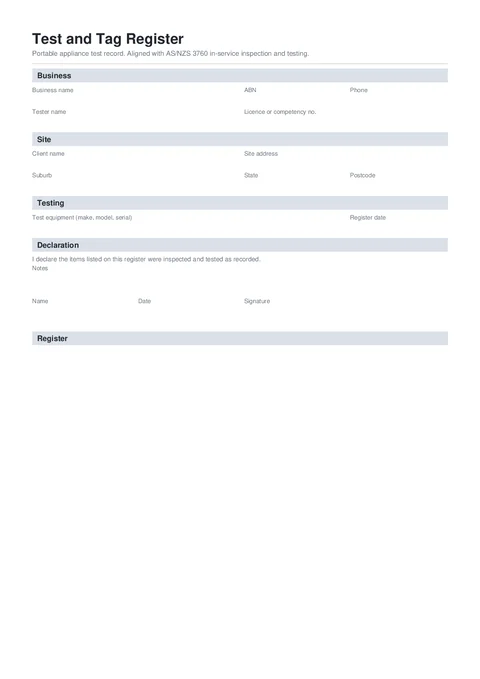
Keep a detailed test and tag register on site. Record equipment identity, test results, failed-item actions, and download a signed PDF aligned with AS/NZS 3760.
National · Electrical · Tradie Forms
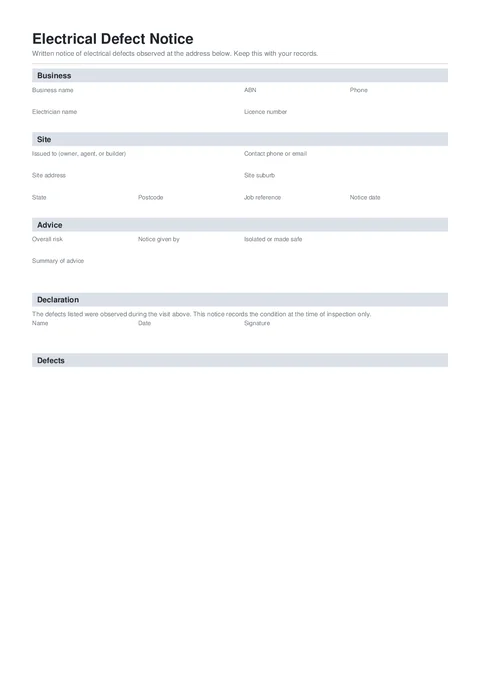
Put electrical defects in writing before you leave site. Record the location, risk, recommendation, and photos, then hand the client a signed PDF.
National · Electrical · Tradie Forms
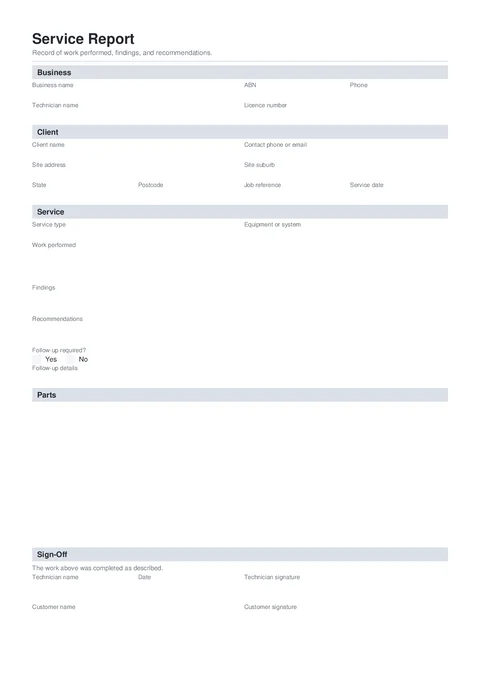
Hand the client a clean service report before you leave. Record work performed, findings, recommendations, and optional customer sign-off.
National · Electrical · Plumbing · Draining · Gasfitting · Building · Air Conditioning · Fire Safety · Pest Control · Tradie Forms
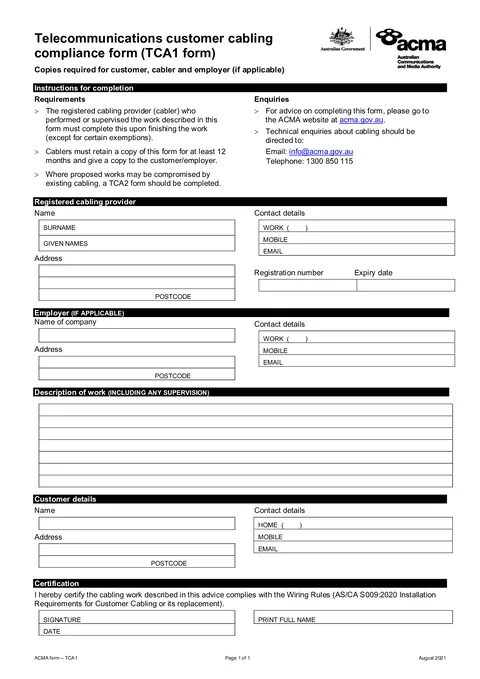
Fill ACMA TCA1 customer cabling advice on your phone and download the finished PDF before you leave.
National · Electrical · ACMA
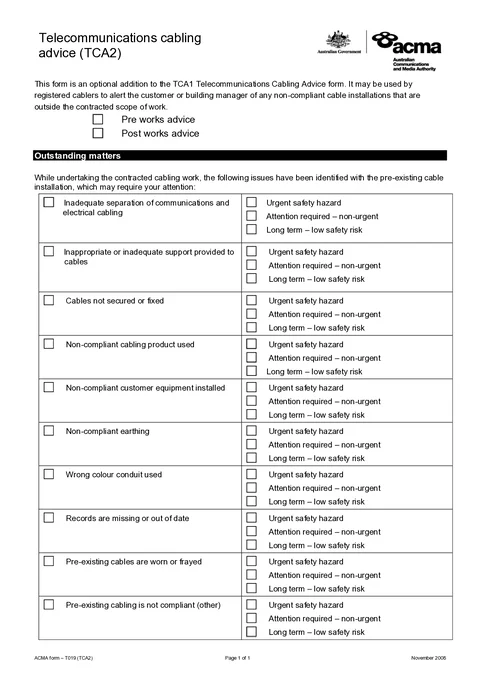
Record pre-existing cabling issues, priority levels, and customer advice in a download-ready ACMA TCA2 PDF.
National · Electrical · ACMA
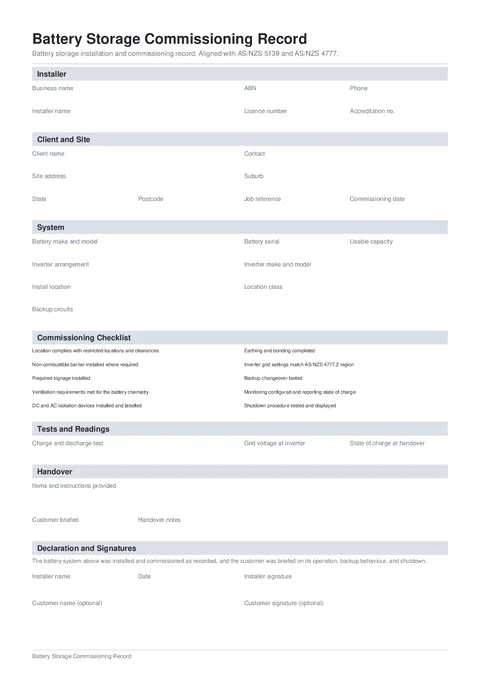
Record a battery system, location assessment, commissioning checks, tests, handover, and signatures in one PDF aligned with AS/NZS 5139 and AS/NZS 4777.
National · Electrical · Tradie Forms
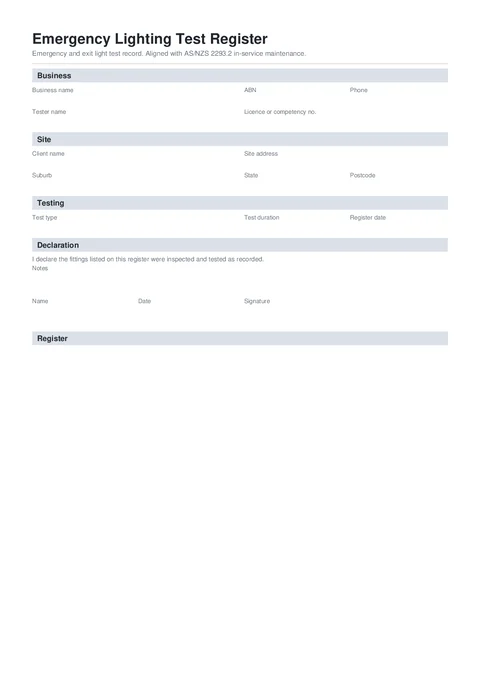
Keep an emergency and exit light test register on site. Record each fitting, discharge result, and failed-item action, then download a signed PDF aligned with AS/NZS 2293.2.
National · Electrical · Fire Safety · Tradie Forms
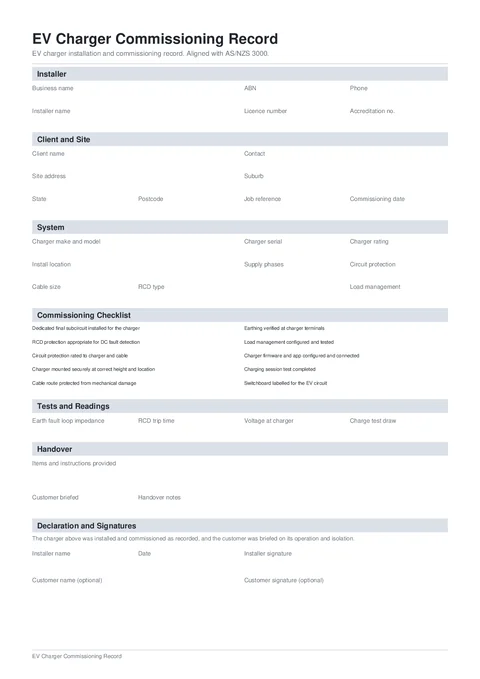
Record an EV charger installation, protection, tests, customer handover, and signatures in one commissioning PDF aligned with AS/NZS 3000.
National · Electrical · Tradie Forms
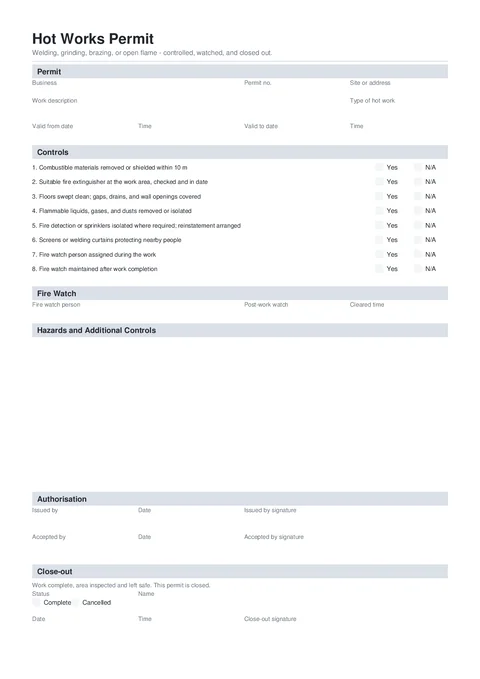
Issue a hot works permit with fire controls, a fire watch record, extra hazards, authorisation, and close-out details.
National · Building · Plumbing · Electrical · Tradie Forms
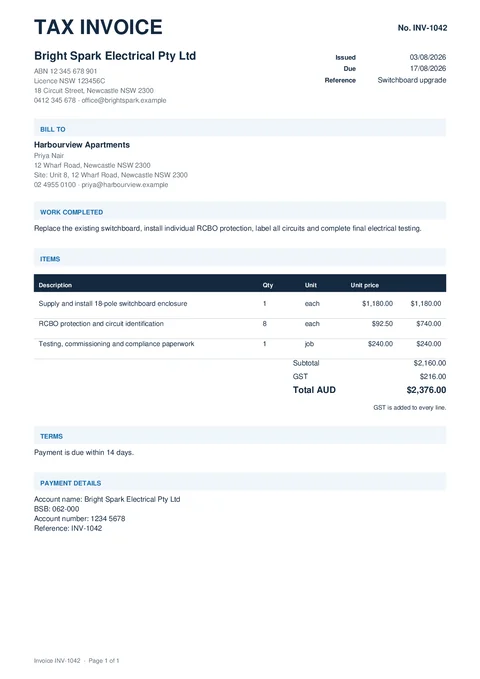
Create a clean itemised invoice for completed trade work. Empty optional sections are left off the PDF automatically.
National · Electrical · Plumbing · Draining · Gasfitting · Building · Air Conditioning · Fire Safety · Pest Control · Tradie Forms
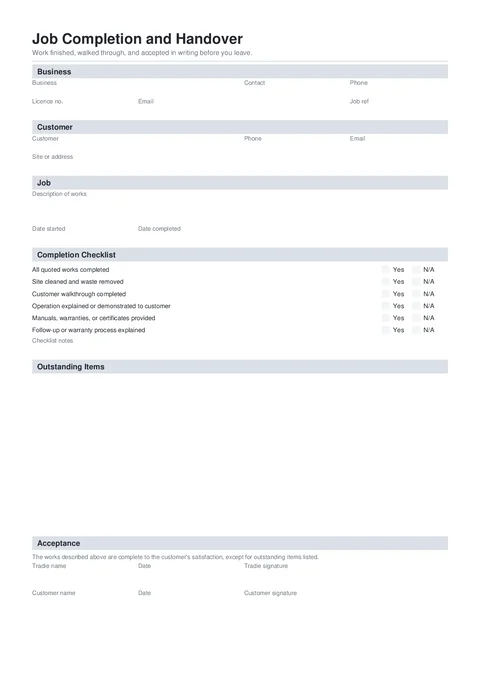
Record the work completed, finish the handover checklist, list anything outstanding, and capture tradie and optional customer sign-off.
National · Electrical · Plumbing · Draining · Gasfitting · Building · Air Conditioning · Fire Safety · Pest Control · Tradie Forms
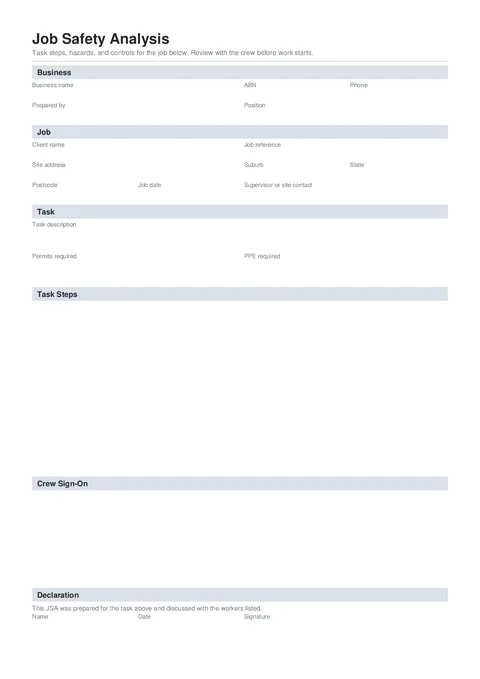
Write a job safety analysis on your phone. Capture task steps, hazards, risk ratings, and controls, then download a signed PDF for the crew and the site.
National · Electrical · Plumbing · Draining · Gasfitting · Building · Air Conditioning · Fire Safety · Pest Control · Tradie Forms
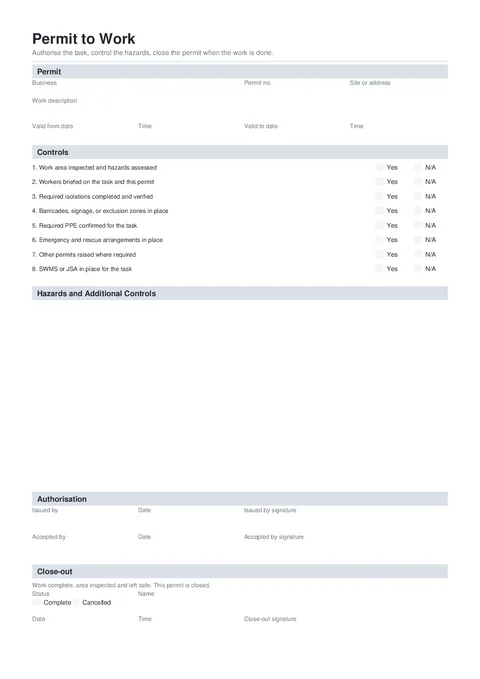
Issue a permit to work with a clear validity window, controls, hazard register, authorisation, and close-out record.
National · Building · Electrical · Plumbing · Gasfitting · Tradie Forms
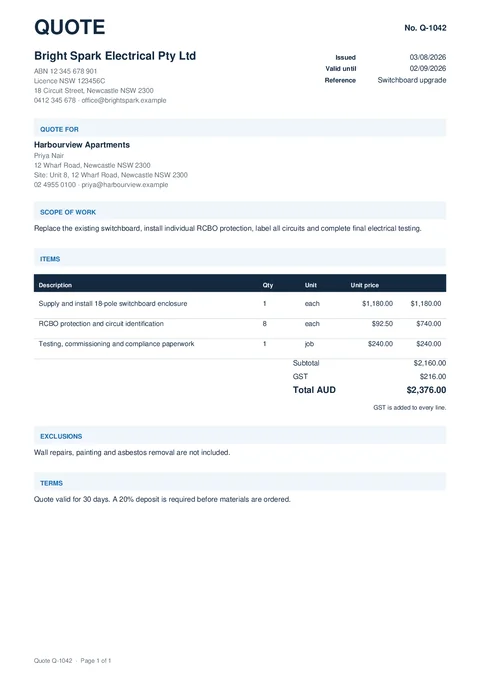
Create a clean itemised quote for trade work. Empty optional sections are left off the PDF automatically.
National · Electrical · Plumbing · Draining · Gasfitting · Building · Air Conditioning · Fire Safety · Pest Control · Tradie Forms
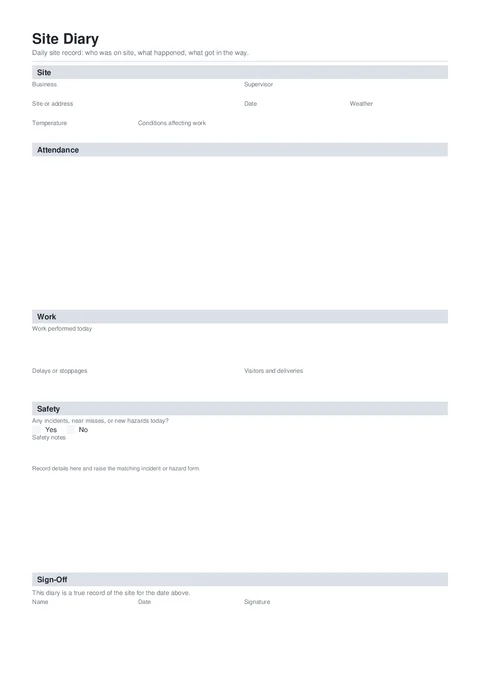
Keep a dated record of who was on site, work completed, delays, deliveries, and safety notes, then download a signed PDF before you leave.
National · Electrical · Plumbing · Draining · Gasfitting · Building · Air Conditioning · Fire Safety · Pest Control · Tradie Forms
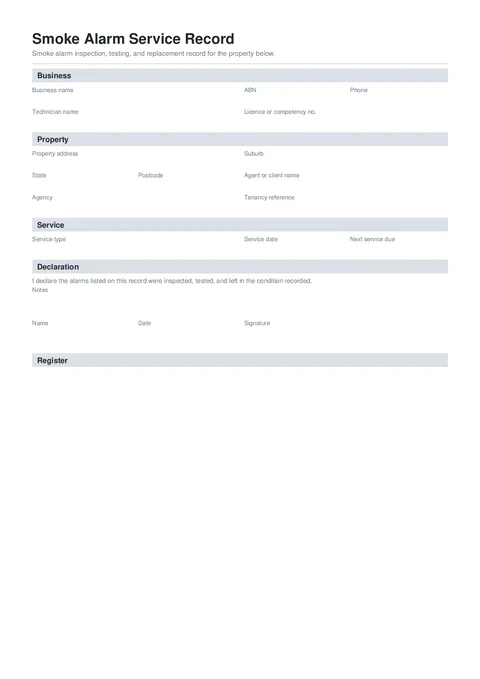
Record smoke alarm inspection, testing, and replacement for a property. Capture each alarm, result, and failed-item action, then download a signed PDF for agents and landlords.
National · Electrical · Fire Safety · Tradie Forms
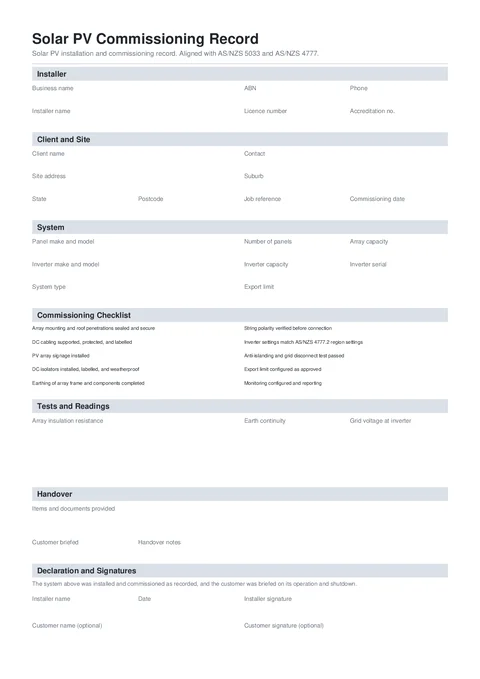
Commission a solar PV system, record per-string readings, complete the handover, and download a signed PDF aligned with AS/NZS 5033 and AS/NZS 4777.
National · Electrical · Tradie Forms
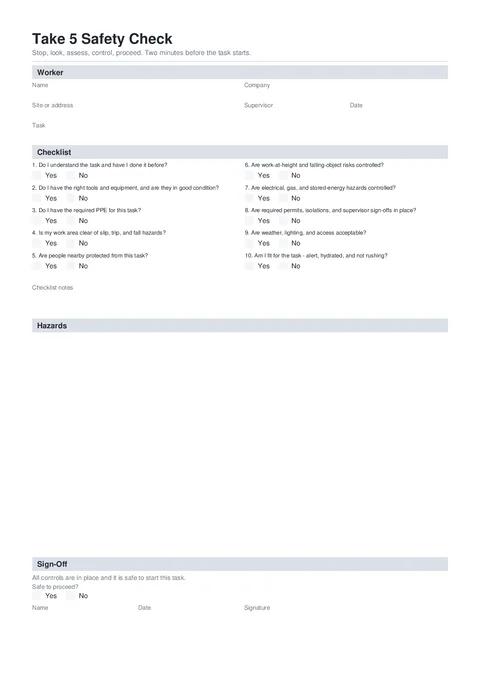
Stop, look, assess, control, proceed. Run a two-minute pre-task safety check on your phone and download a signed Take 5 PDF.
National · Electrical · Plumbing · Draining · Gasfitting · Building · Air Conditioning · Fire Safety · Pest Control · Tradie Forms
Need something else? Send us the PDF your crew uses and we can map it into a guided form for your workspace.
Frequently asked questions
NSW electrical guides
Field habits that keep certificates clean, from the board to the job file.