Battery Commissioning
National · Safety
Add each RCD as you test it, record push-button and trip time results, and download a clean signed record aligned with AS/NZS 3760.
Fixed, socket, and portable RCDs on one register. No cardboard scribbles, no typing it up tonight.
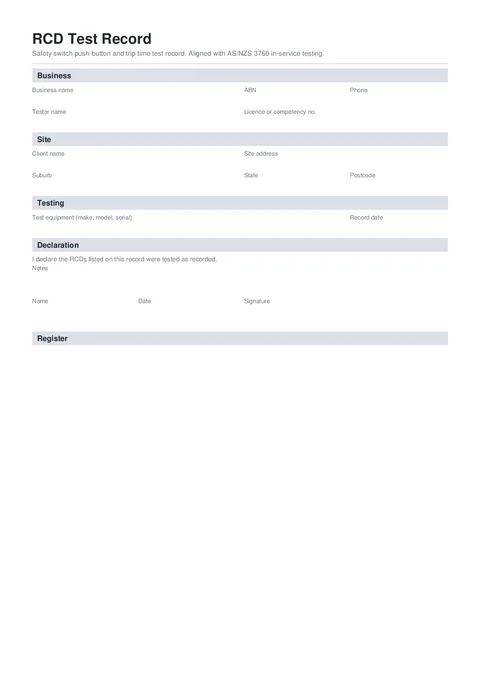
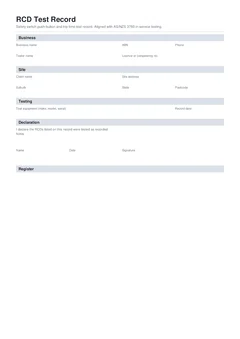
An RCD test record covers push-button and trip time testing of residual current devices. This template keeps one clean register per client or site, aligned with AS/NZS 3760.
Push-button and trip time tests take seconds. Keeping a record the safety officer will accept is where the time goes.
Notes on the switchboard cover get lost, and nobody trusts a photo of a scrap of paper months later.
Workplaces need a clear record of which RCDs were tested, when, and what failed.
Push-button intervals are shorter than trip time intervals. Missed retests show up at the next audit.
Three steps that keep the record with the job.
Start a fresh one from the library or pick up a draft where you left off.
Business and testing details once, then one card per RCD with identity, readings, result, dates, and actions.
Your business, tester, and licence details.
Client and site address for the record.
Tester equipment, verification, and retest settings.
Add each RCD with identity, push-button and trip time results, dates, and failed-item action.
Notes, name, date, and signature.
Fill the register card by card, then preview the PDF with every RCD drawn onto the page before you download.
Customer, site, licence, contractor, and date fields.
The technical details that prove what was completed or checked.
Signatures, declarations, authorised people, and review steps.
Anything else that should be checked before downloading the PDF.
Open the record, test as you go, and send the signed PDF before you drive away.
Compliance and everyday paperwork articles matched to this form.
Nearby templates for the same state, trade, or paperwork type.
Open the guide, browse the catalogue, or send a PDF we can map.