JSA
National · Safety
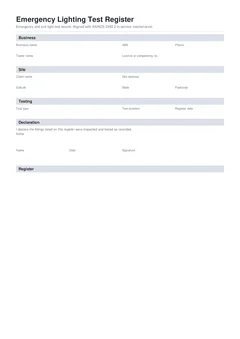
Add each exit and emergency fitting as you test it, record pass or fail, and download a clean signed register aligned with AS/NZS 2293.2.
The register grows as you walk the building. No switchroom logbook, no typing it up tonight.
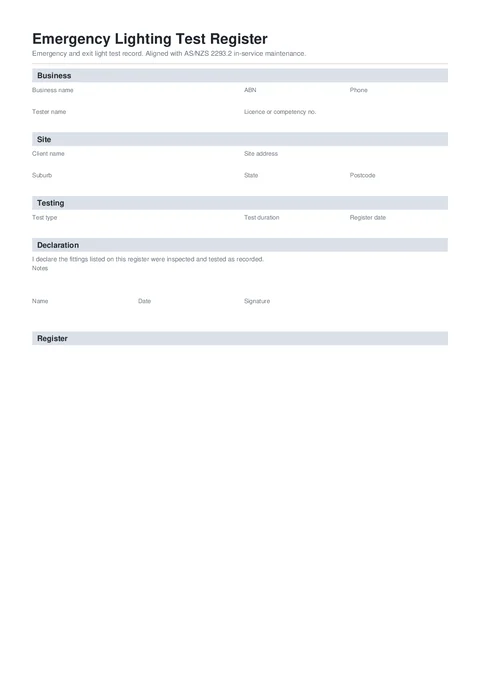
An emergency lighting test register records in-service inspection and discharge testing of exit and emergency lights. This template keeps one clean register per client or site, aligned with AS/NZS 2293.2.
Discharge testing is routine. Keeping a register that proves it is where the time goes.
Handwritten pages get wet, lost, or stay locked on site when the client wants a copy now.
A fitting that only sustained 40 minutes needs a note. That detail disappears once you are three floors away.
Next-due dates buried in old paperwork mean missed discharge tests and awkward client conversations.
Three steps that keep the record with the job.
Start a fresh one from the library or pick up a draft where you left off.
Business and testing details once, then one card per fitting with identity, result, dates, and actions.
Your business, tester, and licence details.
Client and site address for the register.
Test type, duration, and retest settings.
Add each fitting with identity, discharge result, dates, and failed-item action.
Notes, name, date, and signature.
Fill the register card by card, then preview the PDF with every fitting drawn onto the page before you download.
Customer, site, licence, contractor, and date fields.
The technical details that prove what was completed or checked.
Signatures, declarations, authorised people, and review steps.
Anything else that should be checked before downloading the PDF.
Open the register, test as you walk, and send the signed PDF before you drive away.
Compliance and everyday paperwork articles matched to this form.
Nearby templates for the same state, trade, or paperwork type.
Open the guide, browse the catalogue, or send a PDF we can map.