Service Report
National · Completion
Record what you found, rate the risk, add photos and recommendations, then hand the client a signed defect notice PDF.
Clear advice for the owner, agent, or builder. A clean paper trail for the job.
Defect Notice
Tradie Forms
Import from job
Customer
Business
Saved detailTests & results
Fix before download
1 required field incomplete
All changes saved
Saved details prefilled
Business and licence
AI assistant
Helps you fill the form
A clear notice tells the client what was found, how the site was left, and what needs to happen next.
A phone call or quick chat is hard to prove later. Put the defect and recommendation on the job record.
Attach photos to the exact defect so the client can see the issue without chasing separate messages.
Give the client a clear list of recommended work they can approve or use to request a quote.

Clear advice for the owner, agent, or builder. A clean paper trail for the job.
Record it, explain it, sign it, and send it.
Demo: pick a template from the catalog, fill the form on site using shortcuts like job import and address search, then download the finished PDF.
Resume a draft or pick a fresh template from the library.
Same Defect Notice paperwork goal, but built to finish at the job instead of fighting a PDF editor.
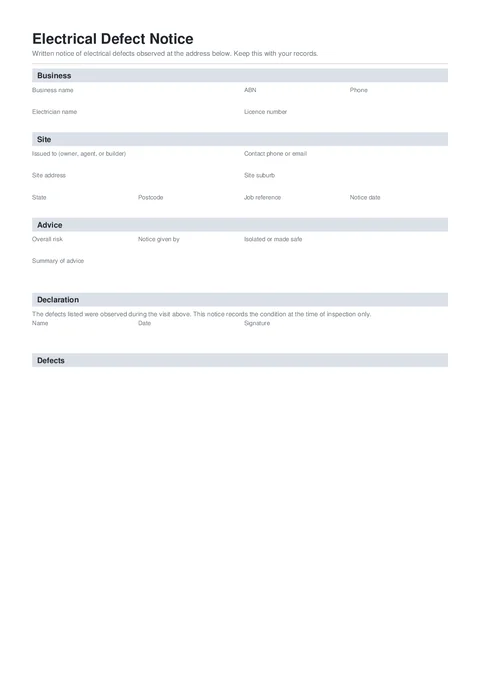
An electrical defect notice records unsafe or defective conditions observed during a visit and the advice given to the person responsible for the installation.
Four guided groups cover the job, defects, advice, and signed declaration.
Who issued the notice, who received it, and the job address.
Each defect, its location, risk rating, recommendation, and photos.
Overall risk, made-safe status, delivery method, and written advice.
Name, date, and signature for the person issuing the notice.

Tradie Forms checks these requirements against the Tradie Forms template before the PDF is ready to complete.
Customer, site, licence, contractor, and date fields.
Signatures, declarations, authorised people, and review steps.
Anything else that should be checked before downloading the PDF.
Nearby templates for the same state, trade, or paperwork type.
Open the guide, browse the catalogue, or send a PDF we can map.
Add the findings, sign the notice, and send the client a clean PDF before you leave.