Site Diary
National · Safety
Break the job into steps, set the hazards and controls, get the crew signed on, and download a clean PDF before work starts.
Builders ask for a JSA. Hand them one that is readable, dated, and signed.
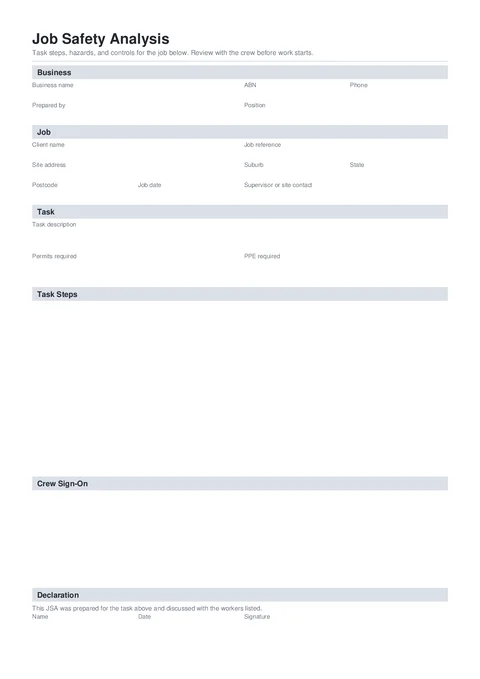
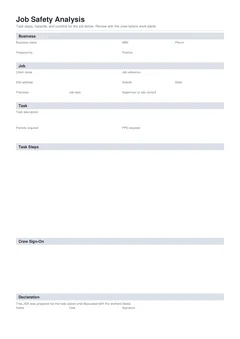
A job safety analysis breaks a task into steps and records hazards, risk ratings, and controls before work starts. This template is a clean Tradie Forms JSA for site use.
Builders and PCs ask for a job safety analysis before you start. Photocopied forms and cab scribbles do not hold up.
No JSA, no start. Scrambling for a blank form on site wastes the morning and looks unprofessional.
Risk ratings nobody can read and controls that do not match the job make the document useless when checked.
When the steps and the signatures are on different pads, pieces go missing before the job is over.
Three steps that keep the analysis with the job.
Start a fresh one from the library or pick up a draft where you left off.
Business and job details once, the task and PPE, then one row per step with hazards, risk, and controls.
Your business and who prepared the JSA.
Client, site address, and job date.
Task description, permits, and PPE.
Job steps with hazards, risk rating, and controls.
Workers who signed on after reviewing the JSA.
Name, date, and signature.
Fill the steps row by row, preview the PDF, then walk the crew through it and sign on.
Customer, site, licence, contractor, and date fields.
Signatures, declarations, authorised people, and review steps.
Anything else that should be checked before downloading the PDF.
Open the form, break the task into steps, and hand over a signed PDF the site will accept.
Compliance and everyday paperwork articles matched to this form.
Nearby templates for the same state, trade, or paperwork type.
Open the guide, browse the catalogue, or send a PDF we can map.