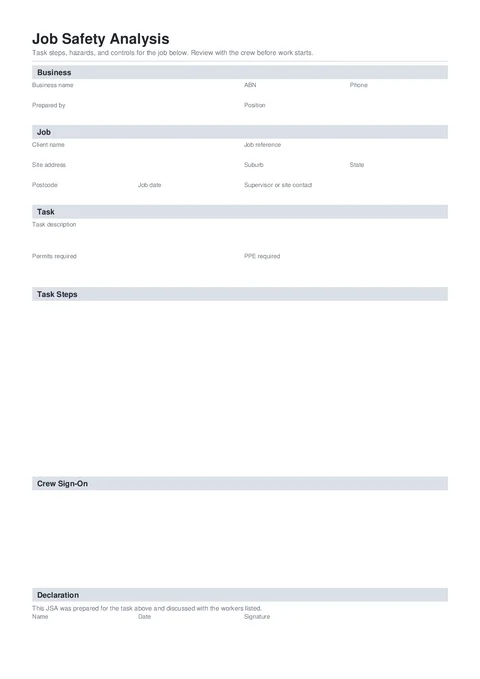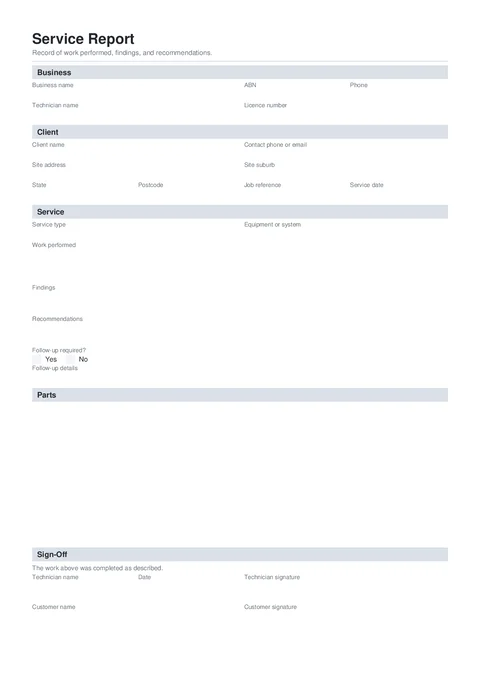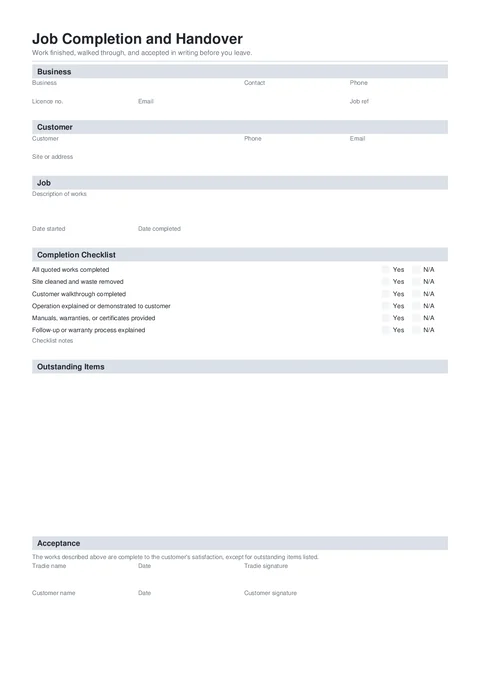
Job Handover
National · Completion
Record test type, device details, site contacts, valve readings, and tester certification one section at a time, then download the official OTR PDF.
Get the report to OTR within 7 days without rebuilding the same owner and tester blocks every annual test.
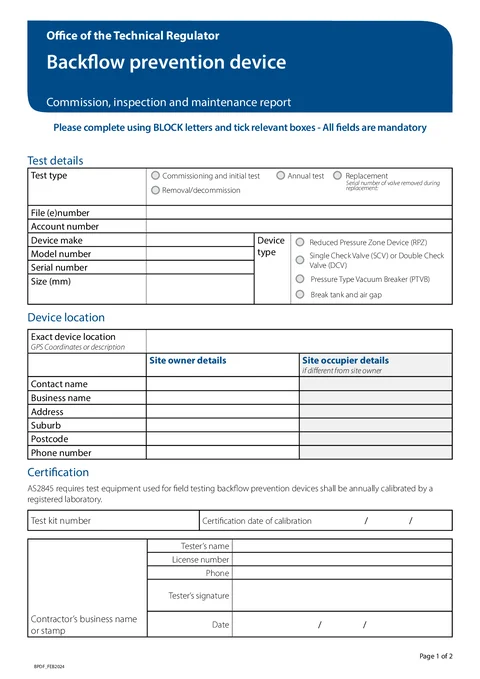
The SA Backflow Prevention Device Report records commissioning, annual testing, replacement, or decommissioning of backflow prevention devices in South Australia.
File numbers, valve readings, and owner details are easiest to capture while the test kit is still out.
Site owner contacts, file (e)number, and device location should not be rebuilt from scratch on each visit.
RPZ, SCV/DCV, and PTVB result rows are easy to skip on a flat PDF on your phone.
Generic PDF editors do not match the Office of the Technical Regulator field order.
Three steps at the meter room, plant room, or in the van.
Start a fresh one from the library or pick up a draft where you left off.
Five groups across the official OTR backflow report sections.
Test type, file reference, and device identity.
Device location, site owner, and occupier details.
Test kit calibration, tester details, and signature.
Valve readings and pass checks for the nominated device type.
The form keeps device results and tester details clear, then downloads the South Australia PDF for OTR lodgement.
Signatures, declarations, authorised people, and review steps.
Anything else that should be checked before downloading the PDF.
Open the form, work through it one section at a time, and download the finished PDF for OTR.
Nearby templates for the same state, trade, or paperwork type.
Open the guide, browse the catalogue, or send a PDF we can map.