Queensland Government · Live template

QLD Form 26 pool nonconformity notices ready for export

Complete the pool safety nonconformity notice after inspection and export the official QBCC PDF.

Give the owner the notice before you leave site, not a half-filled PDF tonight.
More forms for QLD builders

Exports the Form 26 PDF
Seven guided sections in PDF order
Inspector licence and signature saved

Quick answers

Plain facts about this form for tradies, inspectors, and office admins.

What form is this?
QLD Form 26 Pool Safety Nonconformity Notice (QLD Form 26).
Who is it for?
QLD builders
Which authority?
Queensland Government
Can I fill it on my phone?
Yes. Tradie Forms guides you through each section on mobile and exports the official PDF layout when you are ready to hand over.

Preview the QLD Form 26 PDF before you export

Fill the guided sections, then check the finished PDF layout before you download, send, or hand it over.

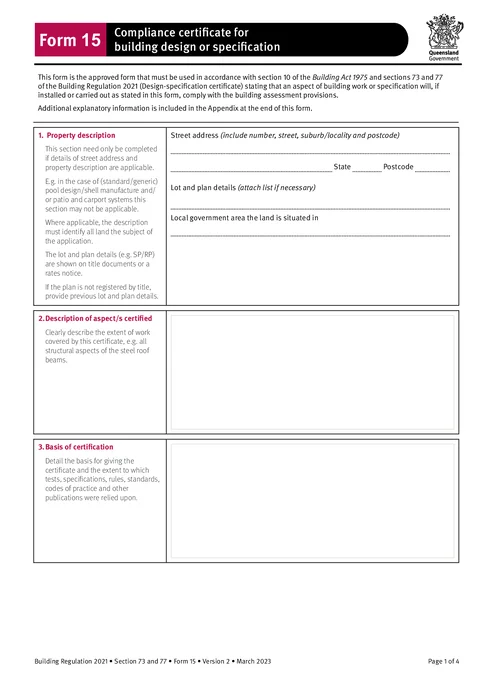
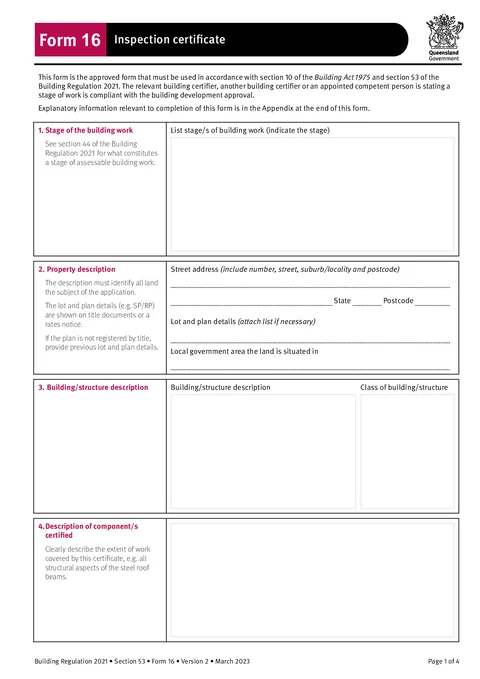
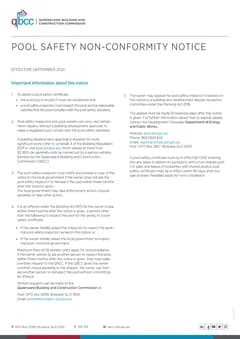
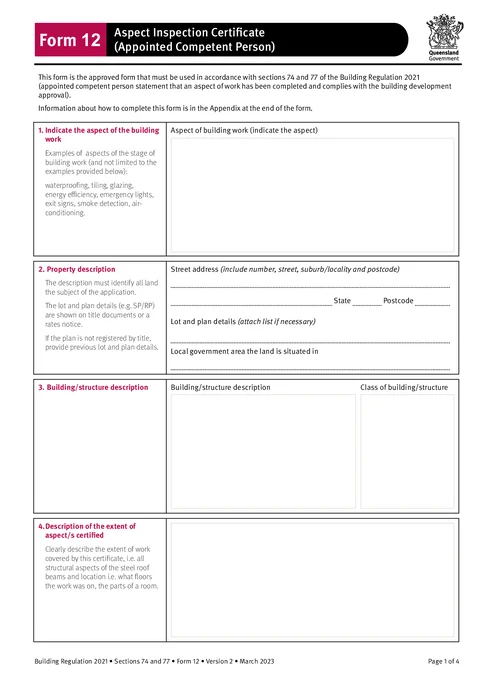
QLD Form 26 form preview
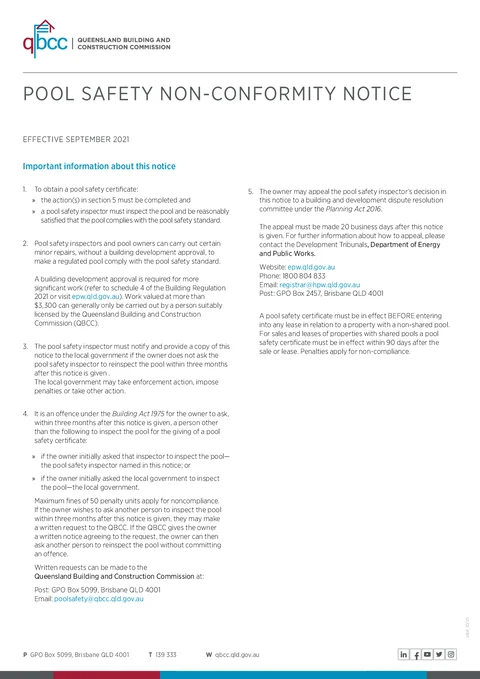
Preview of the QLD Form 26 Pool Safety Nonconformity Notice PDF layout used for export.

Review the PDF before download

Hand over the layout people expect

Keep a clean copy for the job record

What you fill in

Three guided groups across seven PDF sections.

  1. Owner and Property

    Pool owner name, street address, lot and plan, and local government area.

  2. Compliance

    Pool type, non-compliance reasons, and required corrective action.

  3. Inspector Statement

    Inspection date, inspector licence, signature, and date.

Nonconformity notices slow down the reinspection path

What trips up pool safety inspectors after a failed pool inspection.

Comb boxes on a phone screen

Owner names, addresses, and licence numbers are painful to fill in a flat PDF viewer at the pool.

Same inspector details every job

Name, licence number, and signature should carry over when you issue the next notice.

Owners need the official layout

Generic PDF editors do not match the Building Act 1975 Form 26 field order QBCC expects.

Form 26 finished before you leave the pool

Three steps at the inspection.

Open the form

Open the form on your phone at the pool. Sign in later if you want cloud drafts across devices.

Matches the QBCC Form 26 layout (September 2021).

Fill each section online

Work through owner and property details, describe non-compliance, and sign your inspector statement.

Saved inspector details cut repeat typing on the next job.

Export and hand over

Download the official PDF and give a copy to the pool owner with your reinspection instructions.

Notify the local government if a reinspection is not requested within three months.

Built for QLD pool safety inspections

Seven guided sections

Owner, property, pool type, non-compliance, required action, inspection date, and inspector statement in PDF order.

Inspector details saved

Save and apply your pool safety inspector name, licence, and signature on the next notice.

Validation while you fill

Missing licence, signature, or compliance details surface before export, not after the owner calls.

PDF ready to hand over

Download the filled Form 26 for the owner and your reinspection records.

Before you export

Tradie Forms checks these requirements against the Queensland Government template.

  • Pool owner name is required.
  • Describe non-compliance and required action.
  • Inspector licence, signature, and dates are required before export.

Frequently asked questions

Built for Australian tradies

Start your QLD Form 26 nonconformity notice

Fill online at the pool. Export the official PDF when you are ready to hand over.

No credit card required
3 free PDF exports per month