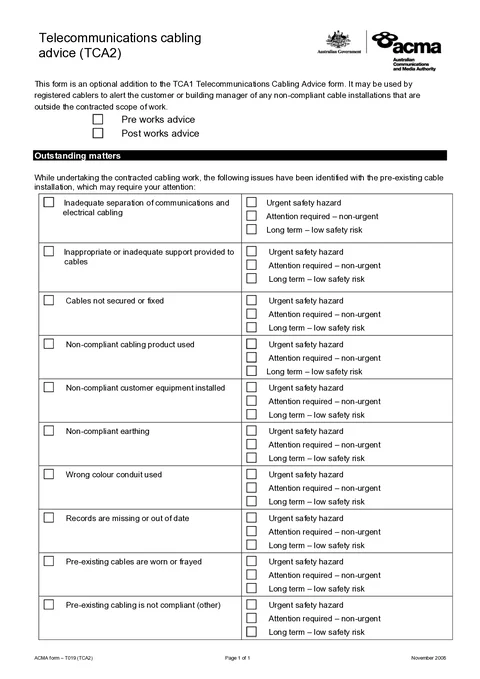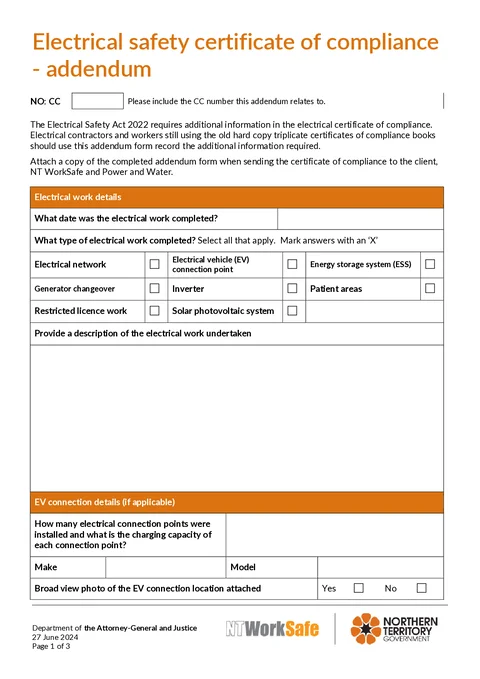
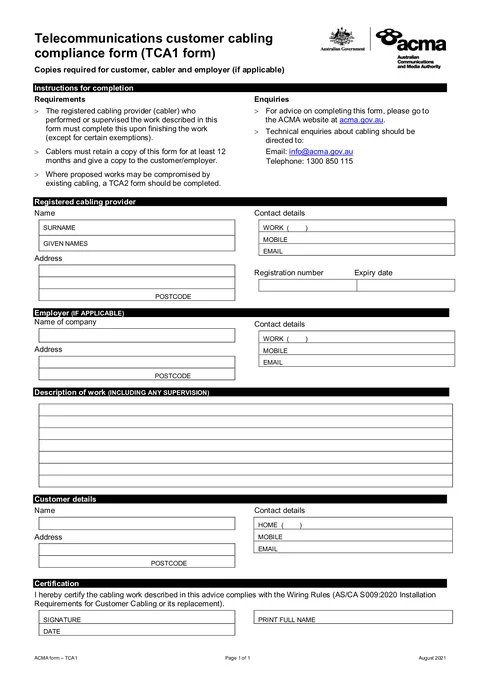
Review customer and property details
Finish the NT emergency repairs certificate before reconnection
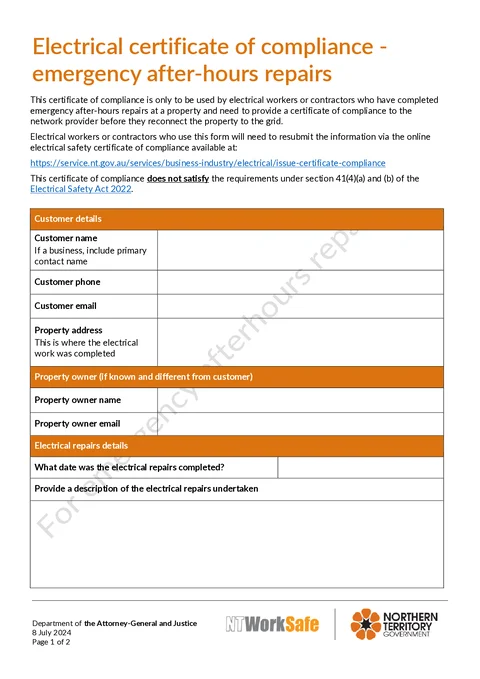
Complete customer, repair, defect, worker, and contractor details for NT WorkSafe emergency after-hours electrical repairs.
Capture the certificate on site while the repair details are still fresh.
More forms for NT electricians
Quick answers
Plain facts about this form for tradies, inspectors, and office admins.
- What form is this?
- NT Electrical Certificate of Compliance - Emergency After-Hours Repairs (NT Emergency Repairs CoC).
- Who fills it?
- Electrical working in NT.
- Which authority?
- NT WorkSafe
- Can I fill it on my phone?
- Yes. Tradie Forms guides you through each section on mobile and exports the official PDF layout when you are ready to hand over.
Preview the NT emergency repairs certificate before export
Fill the certificate in job-friendly sections, then check the NT WorkSafe PDF layout before you download.

Check repair and defect declarations
Download a clean certificate for handover
What you fill in
Three guided groups follow the form layout.
Customer and Property
Customer contact details, property address, and optional owner.
Repairs and Defects
Repair date, description, and any observed non-compliances.
Certification
Electrical worker and contractor declarations with signatures.
Emergency paperwork should not slow reconnection
After-hours repairs need a clean certificate before the network provider reconnects supply.
Flat PDFs on a phone at midnight
Emergency call-outs happen after hours. A PDF viewer on a phone is the last thing you want at the switchboard.
Customer and site details re-typed
Customer, property, and licence details should carry over from the last NT job.
Two signatures on a tiny PDF
Worker and contractor blocks are easy to miss when you are rushing to restore supply.
From repair to certificate PDF
Three steps to get the emergency certificate ready.
Open the form
Open the certificate on your phone or laptop at the job. Sign in later if you want cloud drafts.
Exports the NT WorkSafe PDF layout.
Fill each section on site
Work through customer, repairs, defects, and certification groups while the job is in front of you.
Saved details cut repeat typing on the next job.
Export and lodge
Preview, then download when you are ready to hand over or lodge with NT WorkSafe.
Check NT lodgement requirements before you send.
Built for NT emergency electrical repairs
Six guided sections
Work through customer, repairs, defects, worker, and contractor groups in PDF order.
Saved customer and licence details
Save customer and licence blocks and apply them on the next NT job.
Address search at the job
Find the property address on site instead of typing it from memory.
Sign on the glass
Worker and contractor signatures stamp into the PDF layout.
Before you export
Tradie Forms checks these requirements against the NT WorkSafe template.
- Customer name, property address, repair details, and both signatures are required before export.
- You must also lodge the certificate through the NT online CoC service when required.
Frequently asked questions
Start the NT emergency repairs certificate online
Open the form, finish on site, and download the finished PDF.