Using the app

Custom forms

Request new compliance templates or private forms built for your business

Not every form is in the public library yet. You can request a form from the app. We will review it, quote the build, and turn on access when it is ready.

Custom builds can be compliance, daily operational, or customer forms — whatever PDF your business needs turned into a guided form.

Public vs private templates

TypeWho can see itAccess
PublicEveryone under Templatese.g. public compliance templates in the library
PrivateOnly your businessAfter we enable it on your account

Private templates appear in Templates once access is on. You need Pro or Team to open them.

Request a form

Use Request a form from:

  • The Templates page
  • When starting a new form
  • Help and support links in the app

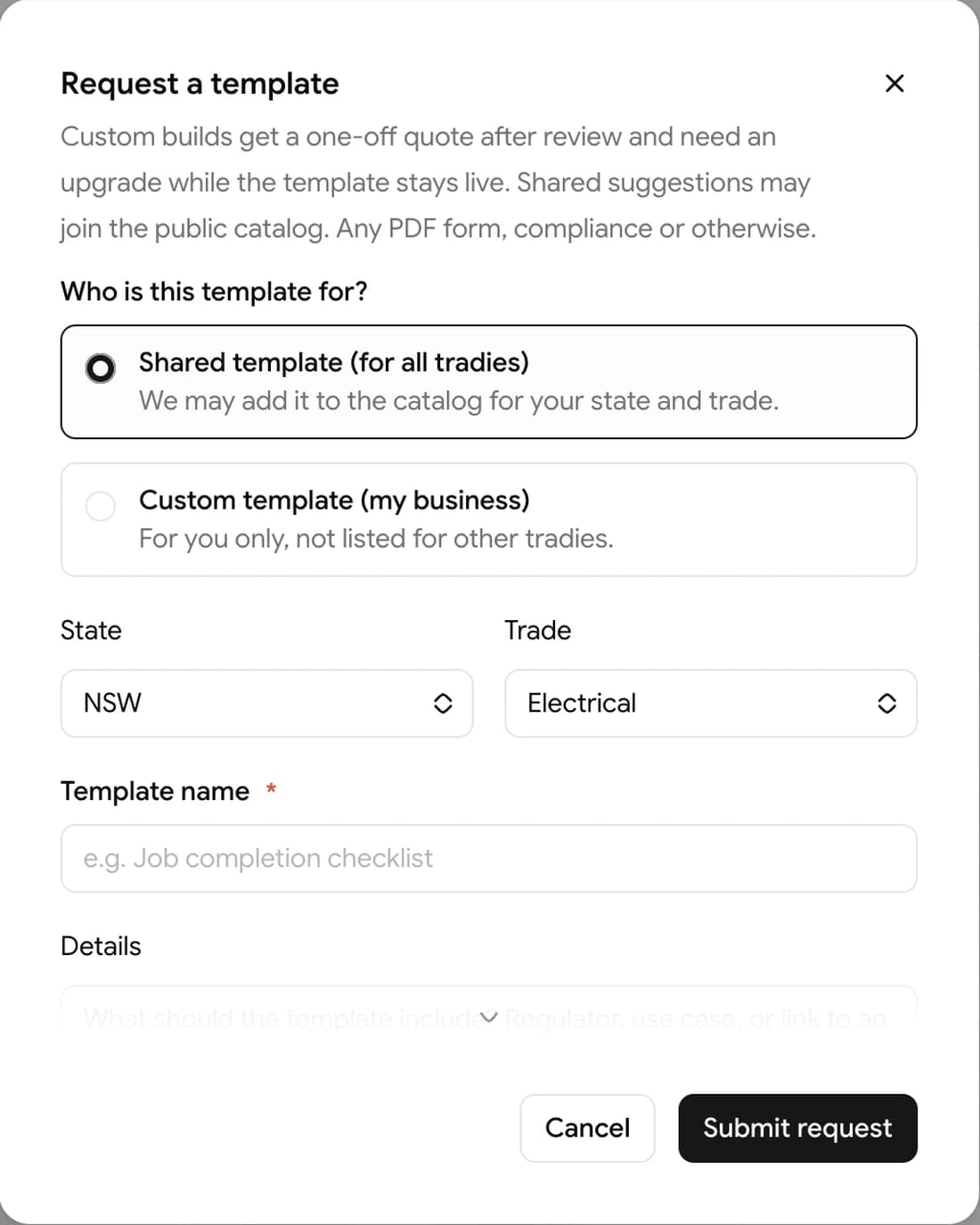
Choose scope:

  • Shared form — may become a public template for all tradies (any form type)
  • Custom form (my business) — private to your account; priced from $59 AUD (final quote after we review your PDF)

Say whether the form is compliance, operational, or customer-facing so we scope the build correctly.

Include state, trade, form name, details, and optionally attach a PDF sample (up to 10 MB).

What happens next

  1. We receive your request
  2. We follow up on scope and pricing
  3. After build and payment, we enable the form on your personal or team account
  4. It appears in Templates for your business

Custom forms are built by our team, not added instantly. Allow time for us to map your PDF and check it against the official layout.

Billing

Pro and Team requirements for private templates.

On this page