Loading documentation page
Form guides
How to complete Queensland Form 43 as a QBCC licensee in Tradie Forms.

Queensland Government
QBCC licensee aspect certificate under the Building Regulation 2021. Finish on site and download the official Queensland PDF.
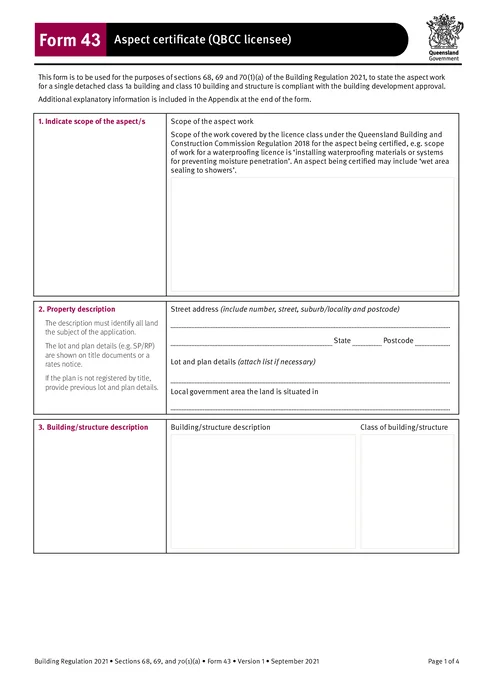
Open this formUse this guide when you fill Form 43 - Aspect Certificate (QBCC Licensee) in Tradie Forms. The web form follows the Queensland PDF layout for this certificate.
Open Form 43 after the building certifier has approved you to inspect the aspect work.
Enter the scope of the aspect work for your QBCC licence class.
Use address search for the street address, or type street, suburb, state, and postcode manually.
Add lot and plan details from the title or rates notice, and the local government area.
Describe the building or structure and its class under the National Construction Code.
Describe the extent and location of the aspect work covered by this certificate.
Explain the basis for the certificate and which standards, codes, or publications you relied on.
List reference documentation, such as numbered structural engineering plans.
Enter the building certifier reference number and building development approval number.
Enter your name, company, contact person, phone numbers, email, and postal address.
Add your licence class and licence number, and the date you received approval to inspect from the building certifier.
Save licensee details as a saved detail on Solo or Team to prefill your next Form 43.
Sign and enter the date as the QBCC licensee.
Give the signed PDF and listed supporting documents to the building certifier. Keep a copy with the job records.
For worked field examples, read the Queensland Form 43 aspect certificate guide.